Approve or reject retouches
Approve conforming retouches, reject the ones to fix, and trigger a new round if needed.
In short: check each retouched photo, approve the ones that work, reject the ones to fix. A single rejection triggers a new retouch round.
When the retoucher is done, the project moves to Client validation: now it's your turn to check each retouch.
Compare before deciding
For each retouched photo, compare the result with the original. The before / after slider is perfect for this (see Compare before / after).
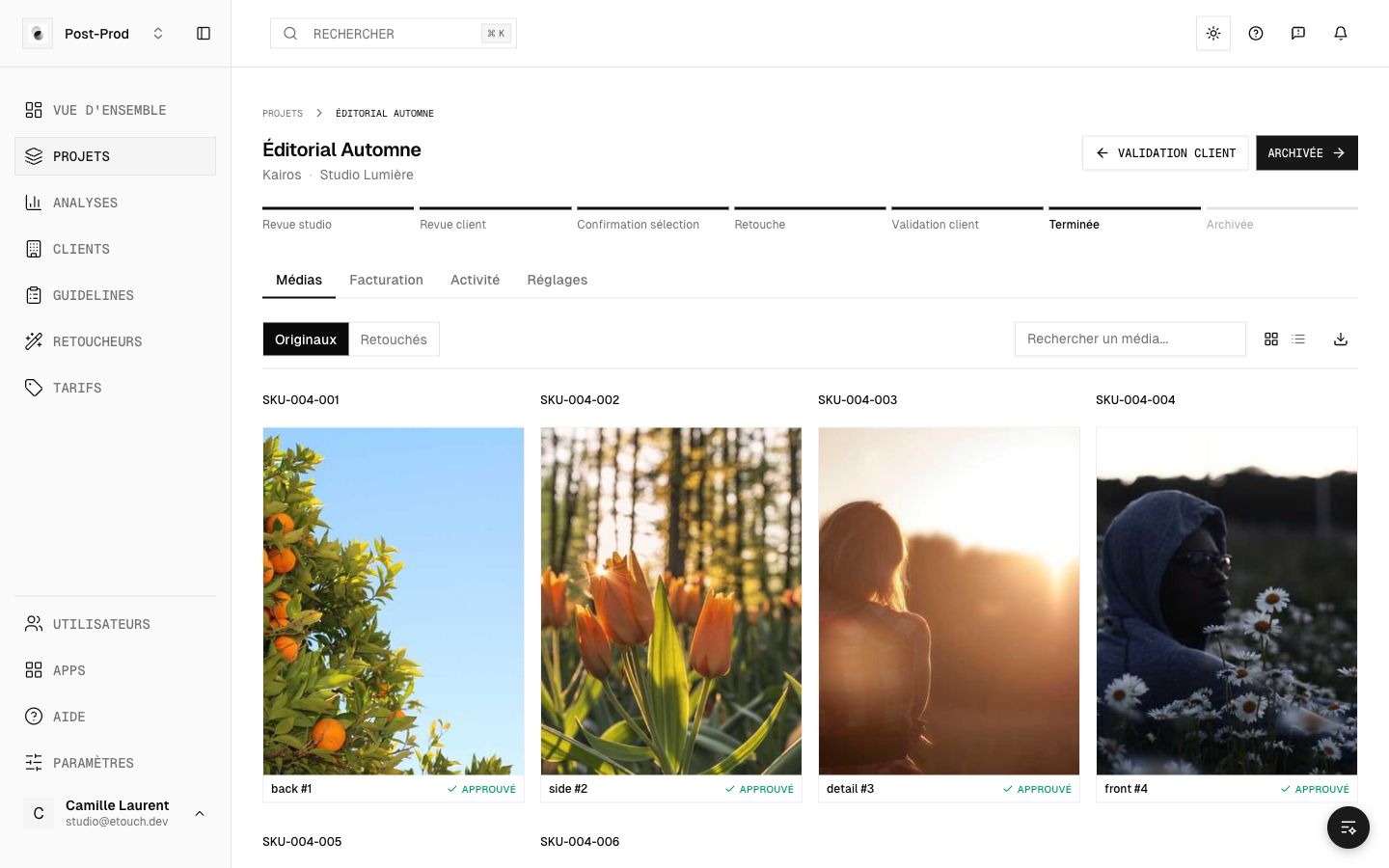 Validating retouches
Approve or reject
For each photo, two choices:
- Approve — the retouch works for you.
- Reject — something's off; add a comment to explain the correction you expect (see Annotate and comment on a photo).
You can also handle photos in bulk with Approve all or Reject all.
Each photo clearly shows its status: Pending, Approved or Rejected.
What happens next
- If all photos are approved, the project moves to Done: the deliverables become available to download.
- If at least one photo is rejected, the project goes back for retouching for a new round. The retoucher makes the fixes, then you validate again.
You have to handle the rejected photos before you can close the project: as long as a rejection is waiting to be corrected, the project can't be finished.
Track progress
An indicator shows your validation rate (for example, "8 / 10 approved"), so you can tell at a glance how many photos are left to handle.