Contacting support
Report a problem or ask the etouch team a question.
Got an issue, a question, or an idea for improvement? You can contact the team directly from within the app.
Report a problem
In the top right, the report button (message icon) opens a short form. Fill in:
- a type (bug, feature request, billing, access, other);
- an importance level;
- a short title and a description.
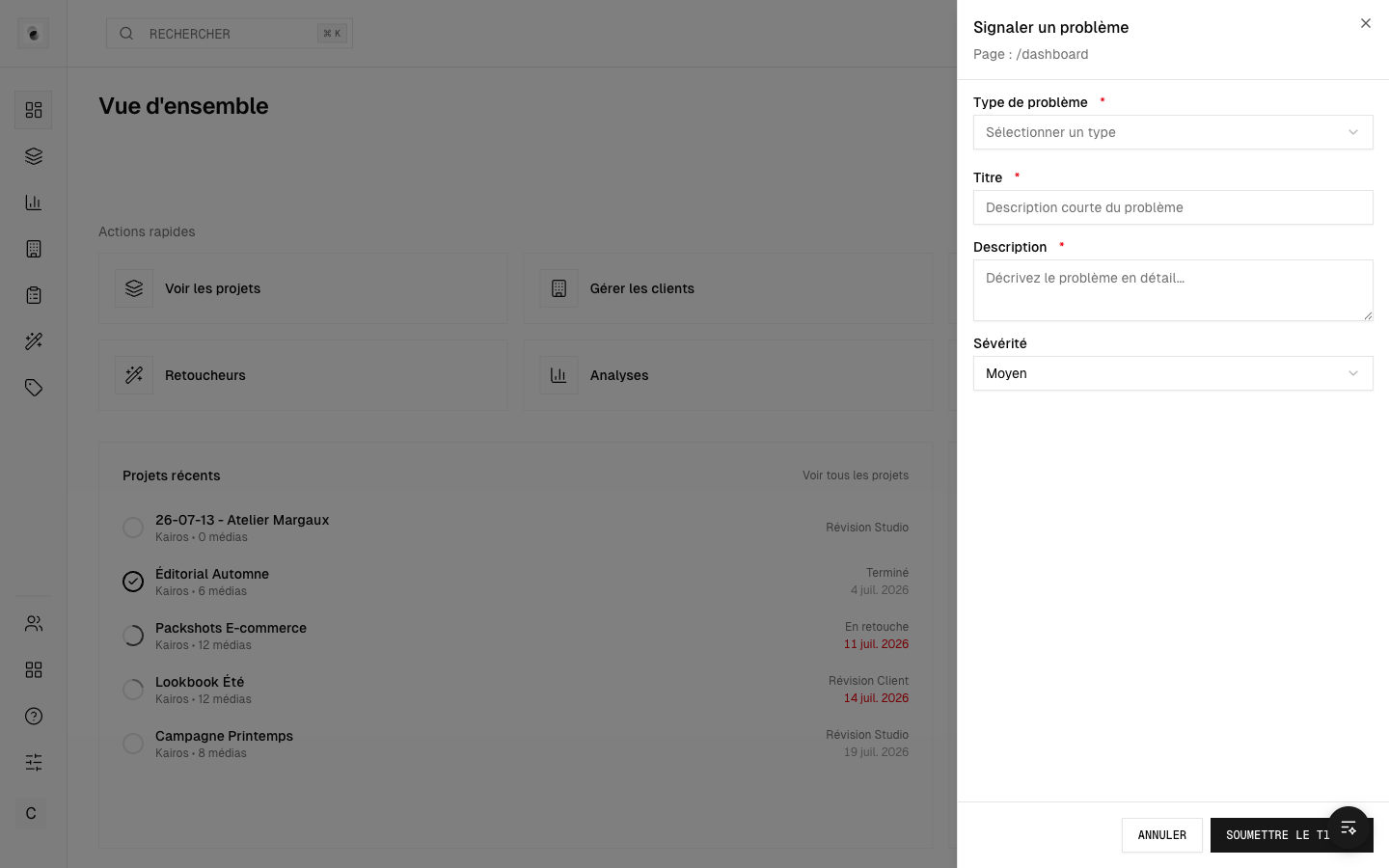 The report form
The page you're writing from is attached automatically, which helps the team understand the context.
Your tickets
Your reports are gathered in a ticket tracker: you can come back to it to check progress and replies.
Describing a problem well
For fast handling, spell out:
- what you were doing when the problem occurred;
- what you expected and what happened instead;
- if possible, the name of the project involved.
Difference with the help center
The Help button ("?" icon) opens this documentation. The report button, on the other hand, sends a message to the team. Start with the help center: your answer may already be there — see FAQ and troubleshooting.