Review the retouching guidelines
Read the guidelines attached to a project before you start retouching.
Before retouching, take a look at the guidelines set by the studio. They describe the result expected and save you back-and-forth.
Where to find the guidelines
On the page of a project assigned to you, a section sums up the applicable guidelines. Open one to see its details.
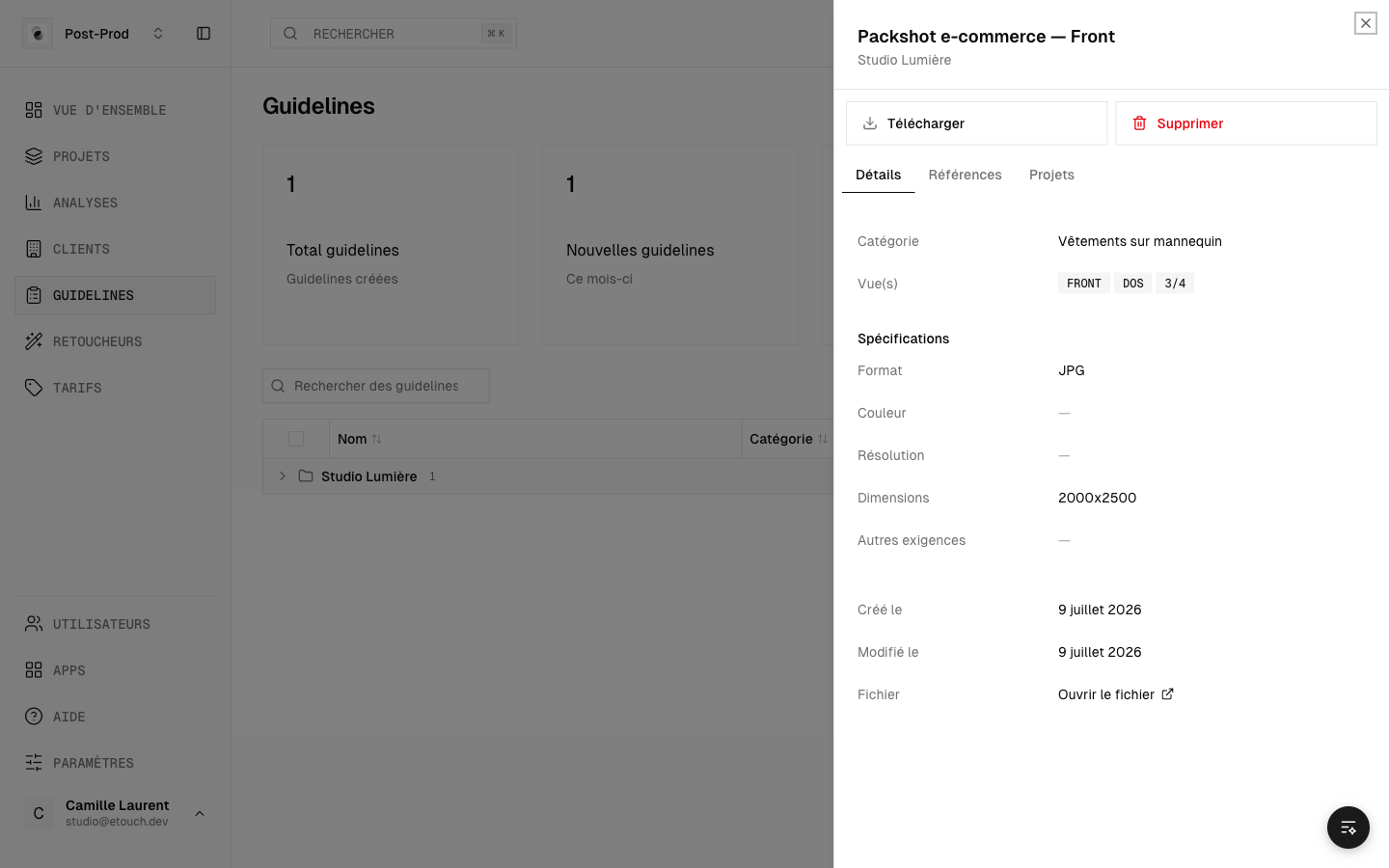 A project's guidelines
What a guideline contains
A guideline can include:
- a retouching category (for example clipping, color correction, ghost mannequin);
- written specifications (background, format, technical constraints);
- reference images showing the expected result.
Best practices
- Read all the guidelines before starting a series.
- Keep the reference images in front of you while you retouch.
- If you're unsure, leave a comment on the photo concerned: the studio can then clarify.
You only see the guidelines for the projects assigned to you. If a project shows no guidelines, it means the studio hasn't attached them yet: wait for their go-ahead before retouching.