Assign retouchers and guidelines
Hand the retouching to the right partner, with the right guidelines.
Once the client's selection is confirmed, you prepare the retouching by assigning a retoucher and the appropriate guidelines.
Assign a retoucher
On the project's Settings tab, open the list of retouchers and choose the partner(s) who will work on this project.
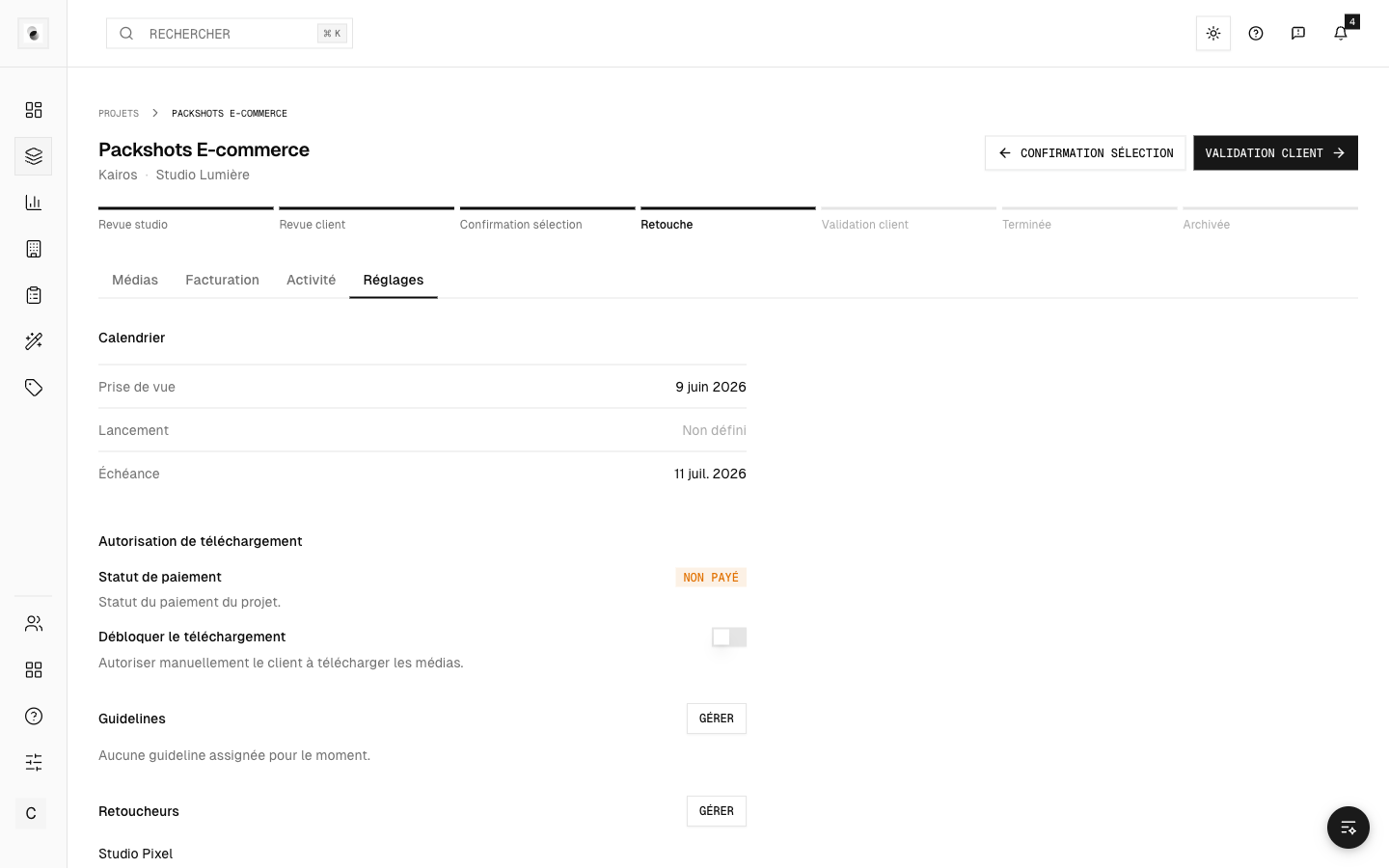 Assigning a retoucher
The assigned retoucher then gets access to the project, its selected photos and its guidelines.
Attach guidelines
Still in Settings, link the guidelines that describe the expected result. The retoucher relies on them to do the work.
Guidelines are created on the Guidelines page (see The guidelines (retouch instructions)), then attached to the project.
Confidentiality on the client side
The client sees neither the guidelines nor the identity of the assigned retouchers: these are internal to the studio. Your choice of partner is therefore never exposed.
Start the retouching
With the retoucher and guidelines in place, move the project to In retouch (see Track a project's progress). The retoucher receives a notification inviting them to get started.