Manage clients
Create and administer client organizations and their members.
The Clients page gathers the client organizations your studio works with. Each client can have several members, meaning the people who sign in.
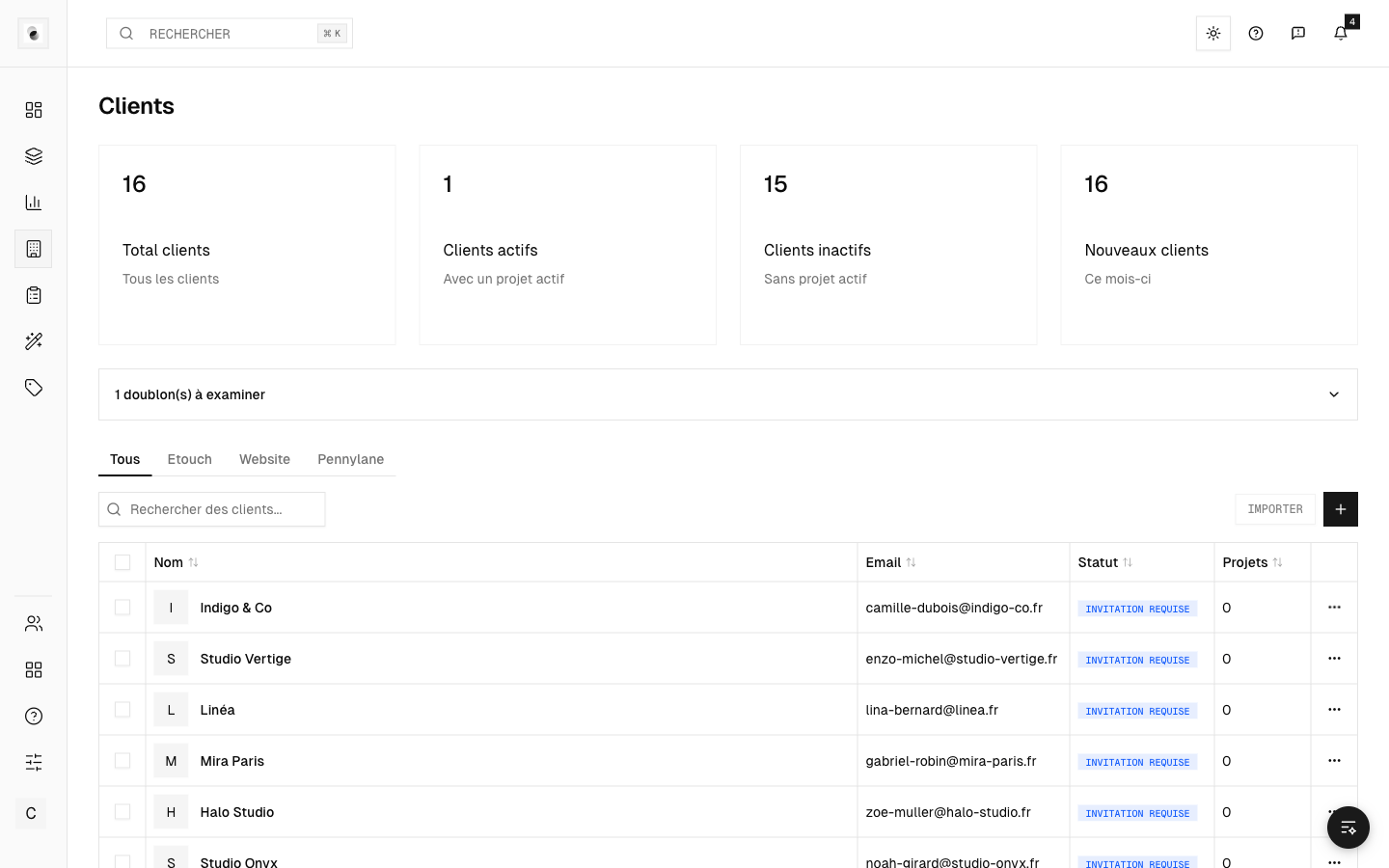 The client list
Create a client
- Click Create.
- Fill in the organization's information (name, main contact, details). Required fields carry a red asterisk.
- If needed, use the company search (for example via the SIREN number) to prefill the legal information.
Open a client's record
Click a client to open its detailed record: details, members, and an overview of its activity (projects, statistics). Editing is done field by field, directly in the record.
Invite members
From the client record, invite the people who need access to the projects. They receive an email invitation (see Signing in and accepting an invitation).
Confidentiality
A client's members only have access to their projects. They don't see the studio's internal information: guidelines, retouchers, retoucher prices.