Pricing and quotes
Price a project from your catalog, then publish a quote for the client.
In brief: price the project line by line from your pricing catalog, then publish a quote to lock the amount shown to the client.
etouch helps you price a project from your pricing catalog, then publish a quote the client can review.
The pricing table (Pricing)
Your price catalog is managed on the Pricing page (left-hand menu). There you define your service categories and their rates. It's the reference used to price projects. See The pricing table (Pricing).
Price a project
On a project's Billing tab, the pricing breaks the cost down line by line:
- the client price (what you charge);
- the retoucher price (what the retouching costs you), hidden from the client.
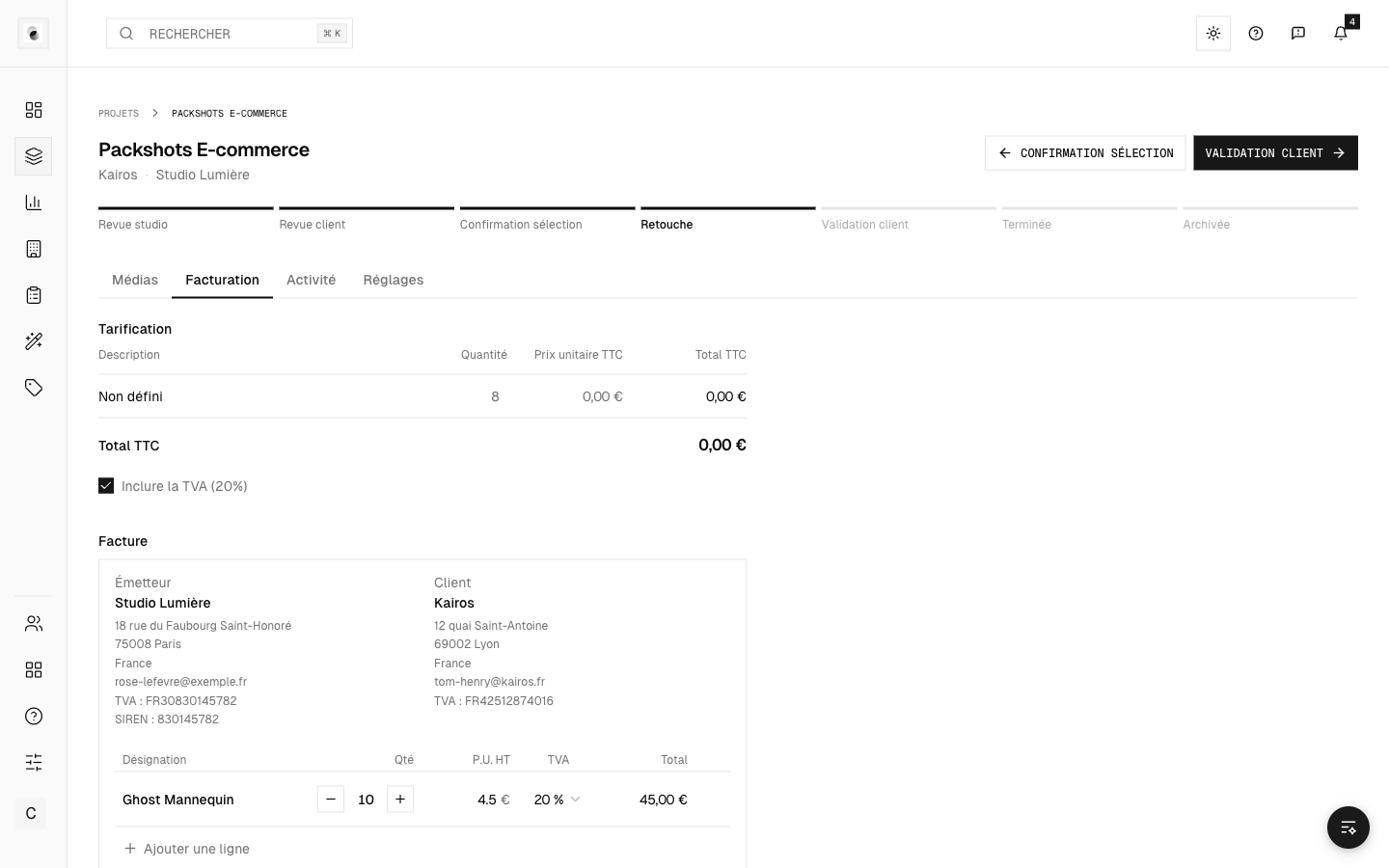 A project's pricing
To price a retouch, a guideline must first be linked: the price depends on the retouching category. So set the guidelines before finalizing the quote.
Publish a quote
Once the pricing is ready, publish the quote. The amount is then locked and presented to the client for approval: no price changes after the fact.
Price confidentiality
The client never sees the retoucher price or your margins: this information stays internal to the studio. Only the client prices are shown to them.