Products and consumables
Manage your product catalog and track a session's consumables.
Studio mode lets you manage a product catalog and track the consumables used during a session.
The product catalog
The Products page (left menu) gathers the items you offer or use: services, consumables, etc. You can create them, edit them, and enter their rate.
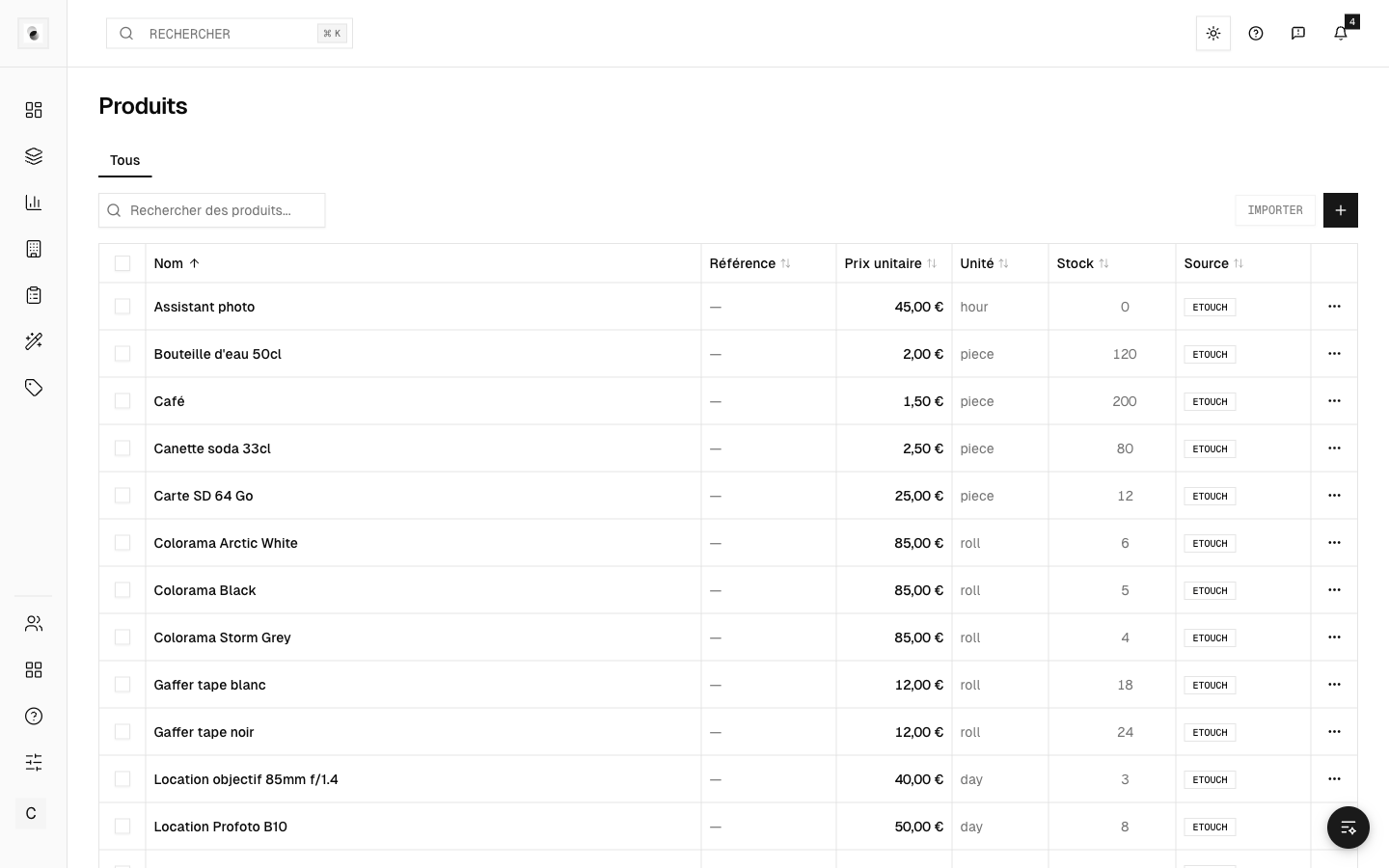 The product catalog
Products and machines have no "active / inactive" concept: a product that's created is simply available.
A session's consumables
In a session's Consumables tab, add what was used, with quantities. These items then feed the session's invoicing (see Invoice a session).
Stock tracking (mobile)
Stock tracking by barcode scan is available in the mobile app. You scan an item to add it to or remove it from stock, which keeps a history of movements. It's the fastest way to keep an inventory up to date.
Labels
The Labels page helps you generate and manage labels (for example QR codes for your items or your shots), to make storage and scanning easier.