View a project through a public link
Open a project shared by link, even without an account.
A studio can share a project with you through a public link, without you needing to log in. Handy for quickly showing a project to a colleague or a partner.
Open a shared link
Just click the link you received. The project opens in read-only mode: you see the photos and the progress, but the actions (selecting, validating) aren't available in this mode.
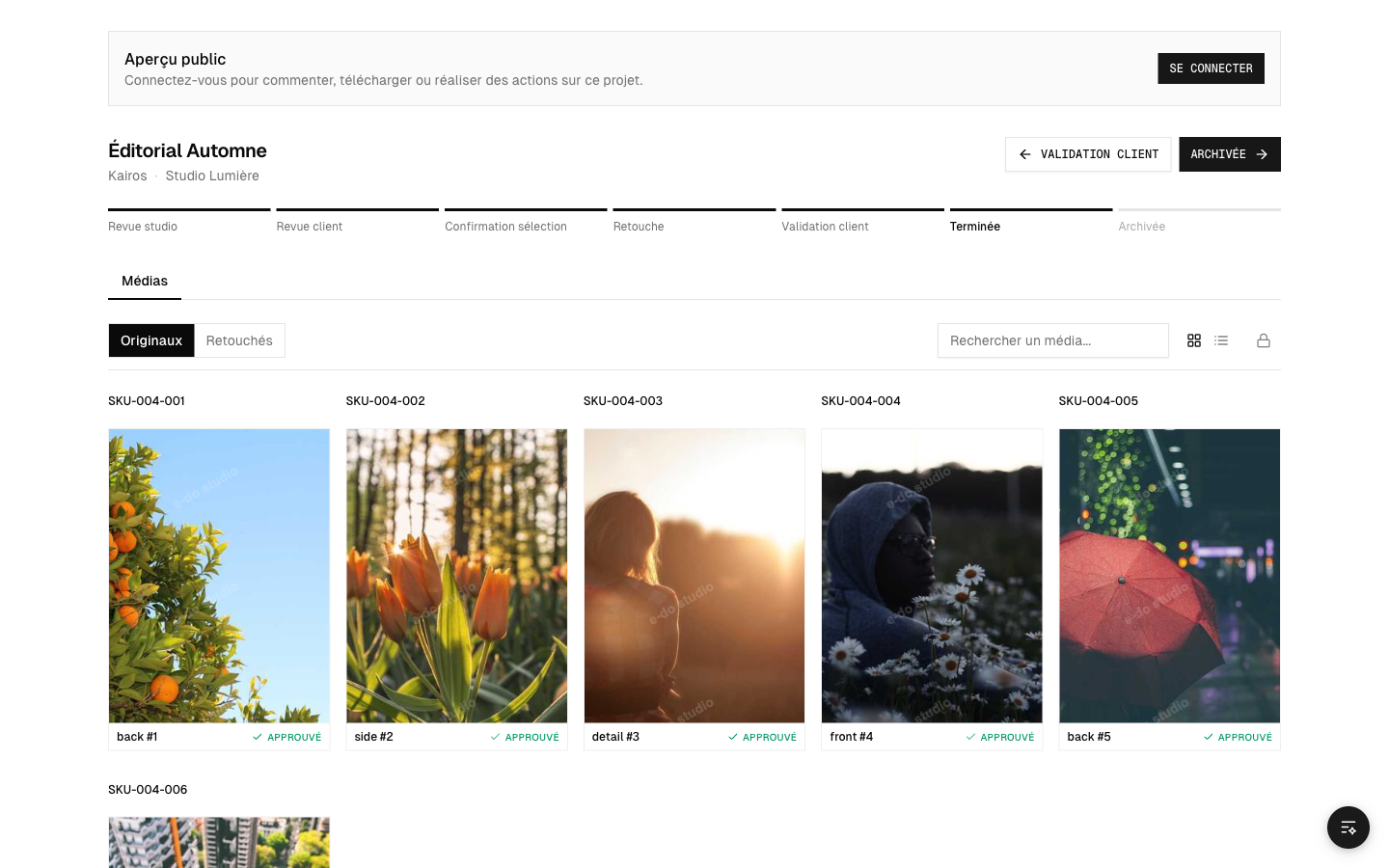 The public view of a project
Switch to full mode
To act on the project (select photos, approve retouches, comment), you need to log in to your etouch account. A button invites you to do so from the public view (see Log in and accept an invitation).
Link security
- The link is specific to this project: it doesn't give access to the rest of your workspace.
- The studio can turn off sharing at any time; the link then stops working.
- Only share the link with people who are allowed to see the project.