Machines and timers
Time the usage of workstations during a session.
During a session, timers let you track the usage time of each workstation (machine, plateau). This is useful for billing as accurately as possible and measuring your activity.
Add a machine to the session
In a session's Machines tab, add the workstations used. Each workstation has its own card, with a timer.
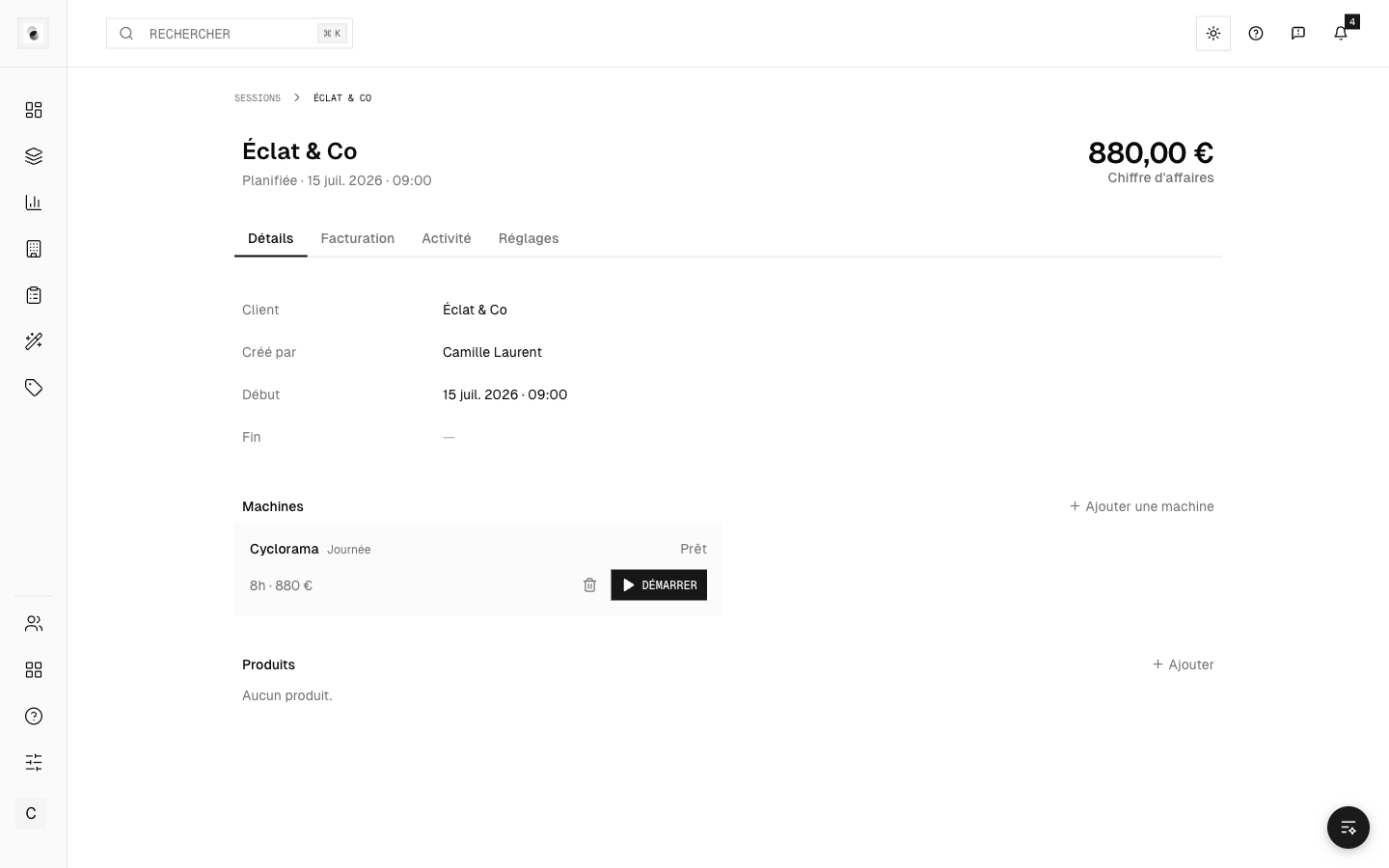 The machine timers
Control the timer
Each card offers real buttons to control the time:
- Start / Pause — starts or suspends the count.
- Reset — sets the timer back to zero.
- Remove — removes the workstation from the session.
These are deliberately visible buttons, not hidden menus, so you can act quickly mid-shoot.
Assigned staff
A production workstation can be assigned staff. Each person can correspond to a billable service. Studio machines, meanwhile, are managed from the Machines page in the menu.
Toward billing
Measured times feed the session's pricing (see Invoice a session). Remember to stop the timers at the end of use for an accurate count.