Notifications
Keep track of what needs your attention and choose your email alerts.
etouch notifies you every time an action awaits you: a selection to make, a retouch to approve, a new comment…
The notification center
The bell, top right, opens your notification center. A badge shows the number of unread messages.
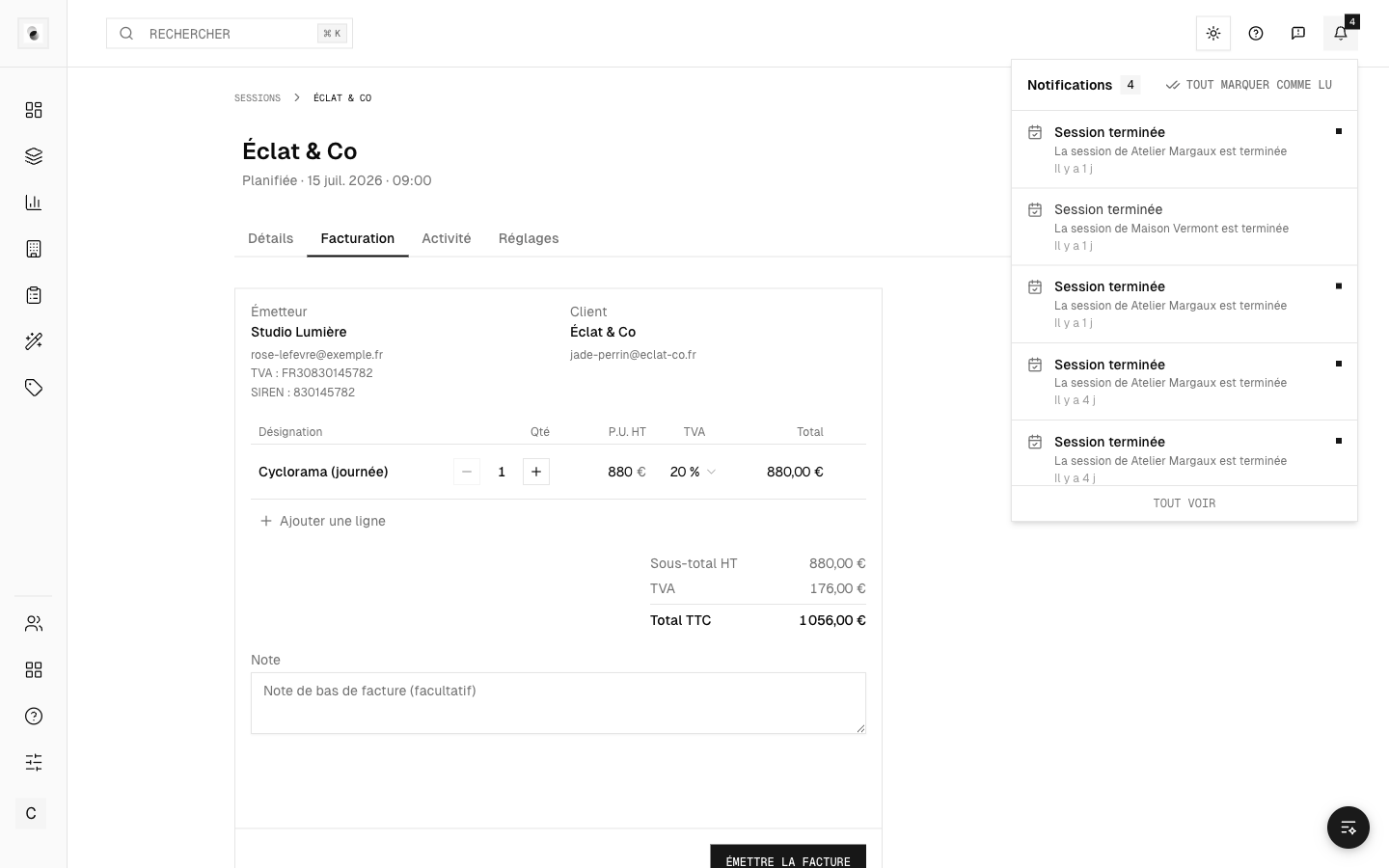 The notification center
Each notification tells you what it's about and takes you straight to the right place, in one click.
Notification types
Depending on your role, you may be notified about:
- an expected selection (client side);
- retouches to approve (client side);
- a project that moved into retouch (retoucher side);
- new comments or a change of step.
Set your email alerts
In your Settings, the notifications section lets you choose which alerts to receive by email, so you keep only the essentials (see Your account settings).
Each email also contains a one-click unsubscribe link for that type of message.
On mobile
Notifications have a dedicated tab in the mobile app, so you can approve and follow your projects on the go.