Sessions and bookings
Create and track your shooting sessions, from booking to project.
Studio mode covers the studio's physical activity, meaning your shooting sessions. You switch to it via the space selector, at the top of the menu (see Understanding your role).
The session list
The Sessions page lists your shooting sessions with their status. You can create a new session or open an existing one.
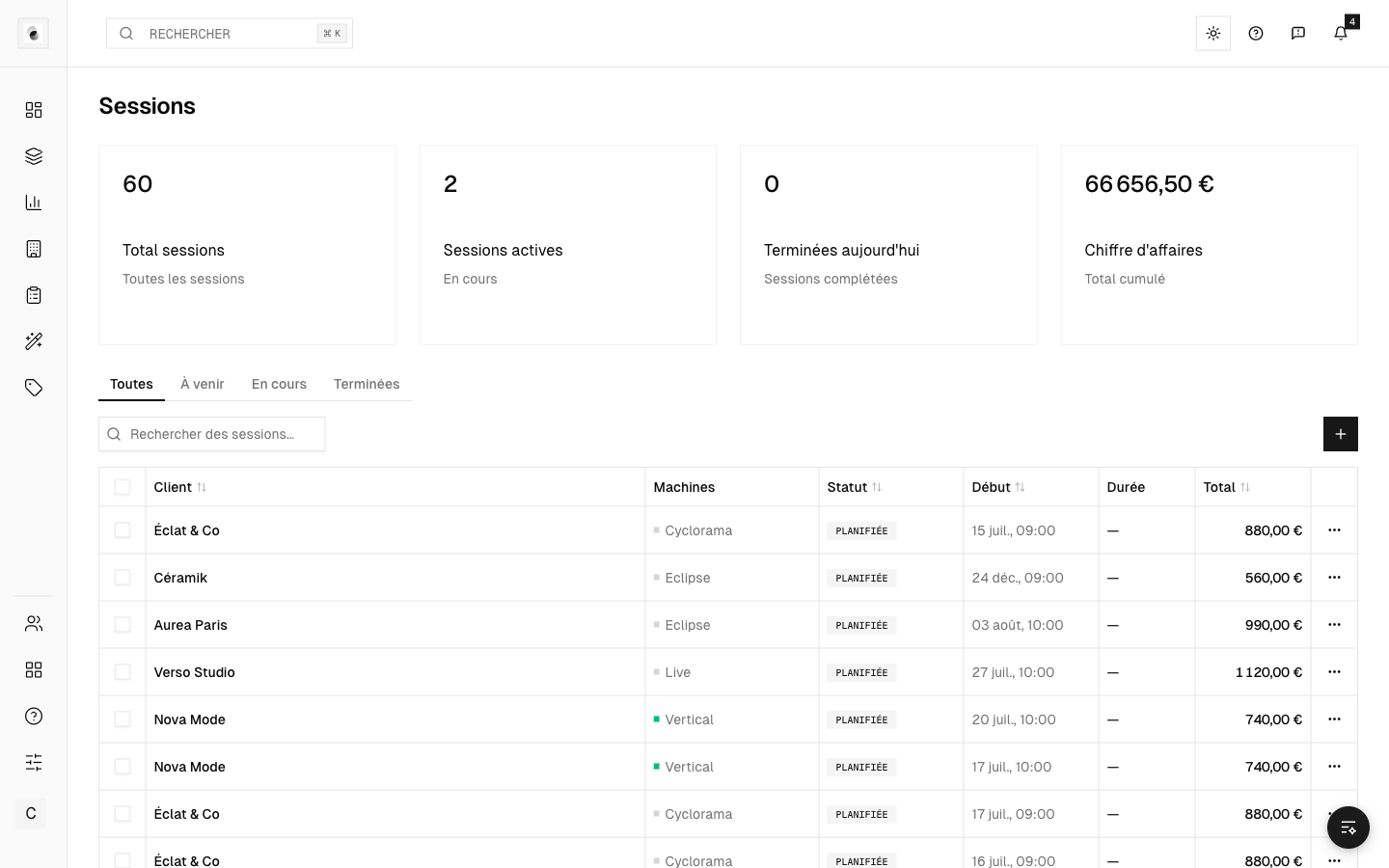 The session list
A session in detail
Open a session to access its tabs:
- Details — the general information (client, date, plateau);
- Machines — the workstations used and their timers (see Machines and timers);
- Consumables — the products used during the session (see Products and consumables);
- Activity — the history of events;
- Billing — the session's pricing (see Invoice a session).
Bookings
Some sessions come from bookings, for example from an external booking tool. They appear automatically in your list, ready to be completed.
From session to project
At the end of a session, you can carry on by creating a post-production project from the shots taken. This links the physical shoot to the retouching flow (see Create a project).