Invoices and payment
View your invoices and pay for a project online.
etouch centralizes the billing for your projects. Depending on the studio's setup, you can view your invoices and pay directly online.
View an invoice
On a project's page, the Billing section sums up the amount, the breakdown of services and the payment status (pending, paid, and so on).
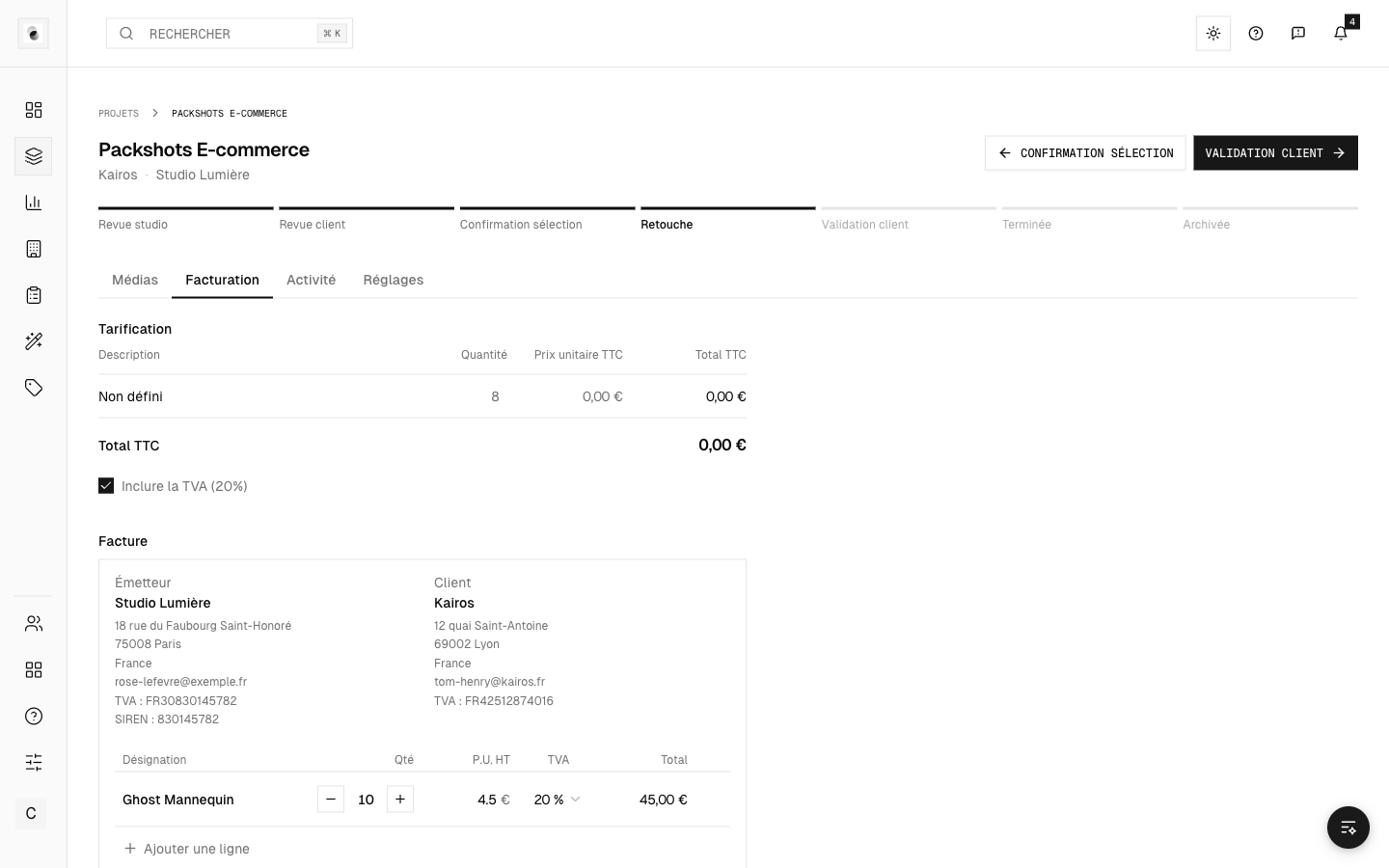 A project invoice
Pay online
When online payment is offered:
- Click Pay.
- You're taken to a secure payment page (Stripe).
- Once payment goes through, you come back to etouch automatically and the invoice is marked paid.
- Payment succeeded: a confirmation appears and the invoice status is updated.
- Payment cancelled: no amount is charged, and you can try again.
Payment and delivery
In some cases, the studio makes downloading the deliverables conditional on payment of the invoice. If your files aren't available to download yet, check the payment status first.
A question about an invoice?
Does the amount or the breakdown look wrong? Get in touch with the studio directly, or use the Report a problem button (see Contact support).