Share a project via a public link
Generate a read-only viewing link and turn it off whenever you need to.
You can share a project with someone outside your team through a public link, without creating an account for them. The recipient views the project in read-only mode.
Generate the link
On the project's Settings (or Sharing) tab, turn on public sharing: a link is generated that you can copy and pass along.
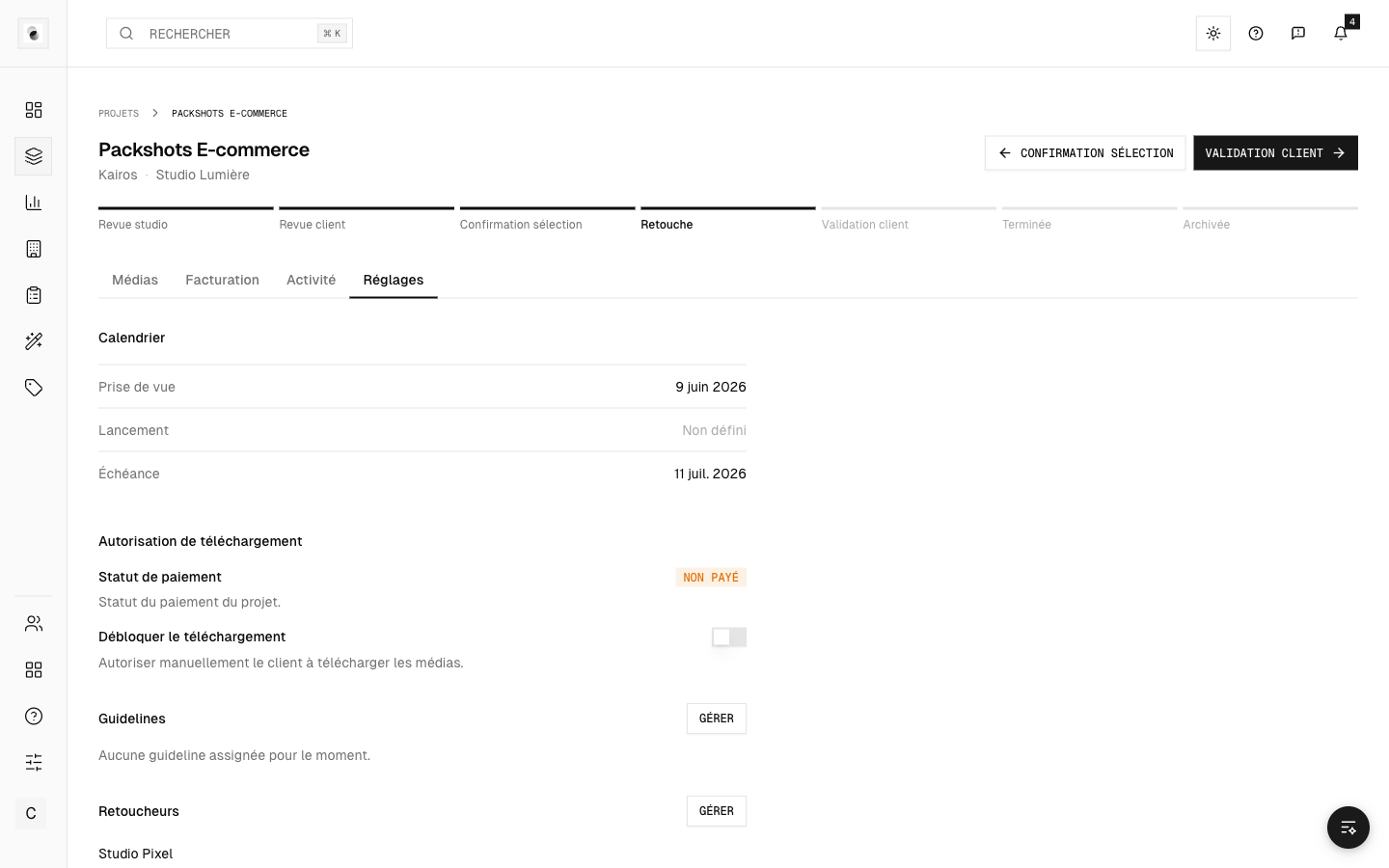 Generating a sharing link
What the recipient sees
- The project's photos and progress.
- No actions (selection, validation): public mode is purely for viewing.
- No sensitive information reserved for the studio.
Turn sharing off
You stay in control: turn off sharing at any time from the same screen. The link then stops working immediately.
Best practices
- Use the public link for informal sign-offs or quick previews.
- If someone needs to act on the project (select, validate), invite them as a member of the client instead: they'll then have the right permissions.