The retouch rounds (handling revisions)
Understand the revision rounds when a client rejects a retouch.
It's perfectly normal for a client to ask for adjustments. etouch organizes these revisions into retouch rounds, so everyone knows where the work stands.
What a round is
- Round 1: you upload your first retouches, the client validates.
- If the client rejects one or more photos, the project goes back into retouch: that's round 2.
- This cycle repeats until everything is approved.
Handling a rejection
When a photo is rejected, the client usually attaches a comment explaining what's wrong (see Annotate and comment on a photo on the client side).
- Open the rejected photo and read the client's comments.
- Make the requested change.
- Upload the new version (see Upload your retouched versions).
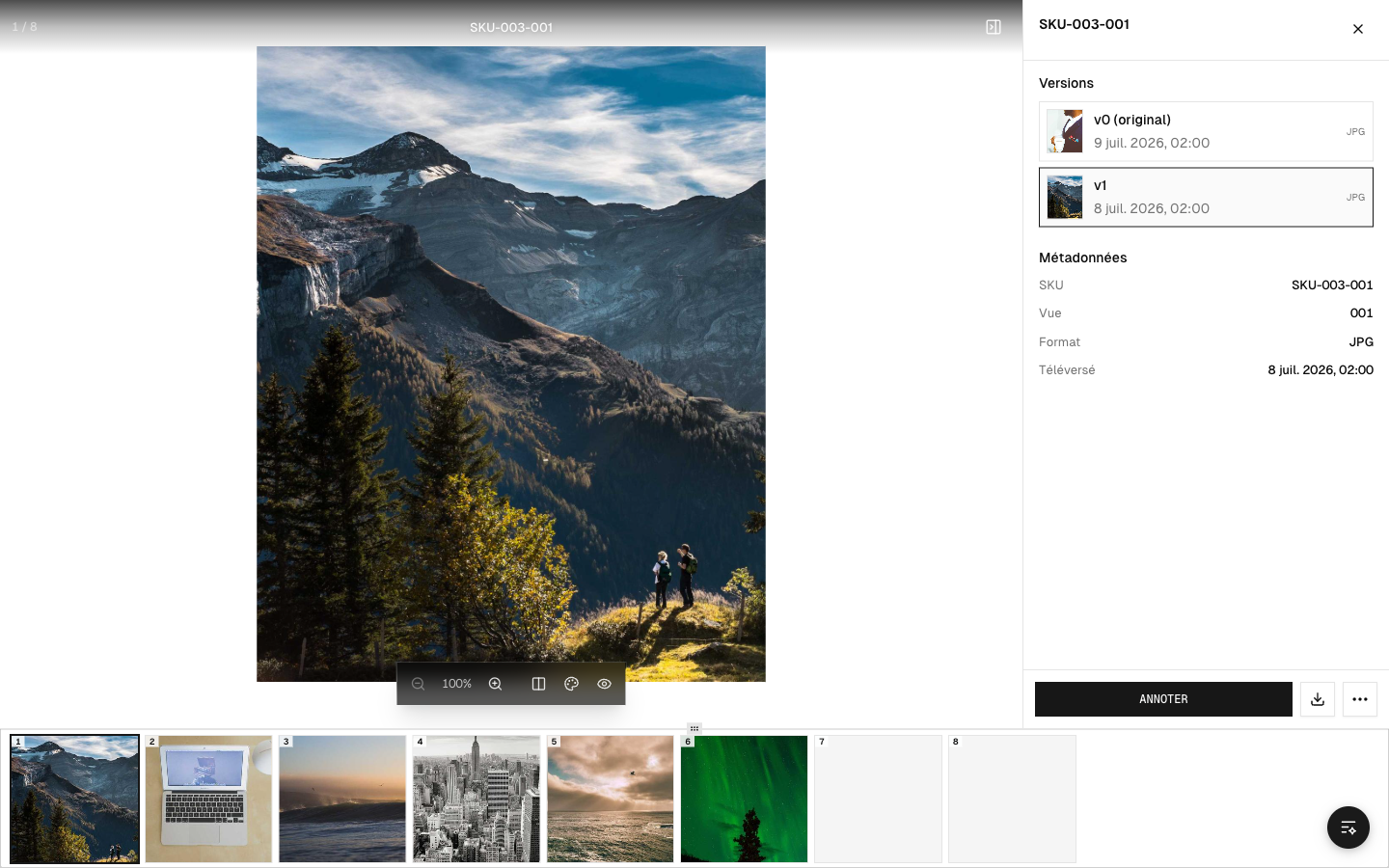 A photo's successive versions, from the original to its retouches
Compare from one round to the next
The before / after slider helps you check that your revision is going in the requested direction, by comparing the original and your new version.
Wrapping up
When all the photos are approved, the project moves to Done. There's no round left to do: your work is validated.
Tip: handle all the notes from a single round before resubmitting. This reduces the number of rounds and speeds up delivery.