Download the deliverables
Get the final files once the retouches are approved.
When all the retouches are approved, the project moves to Done and the deliverables become available to download.
Where to download
Open the project, then go to its delivery page. That's where you'll find all the final photos.
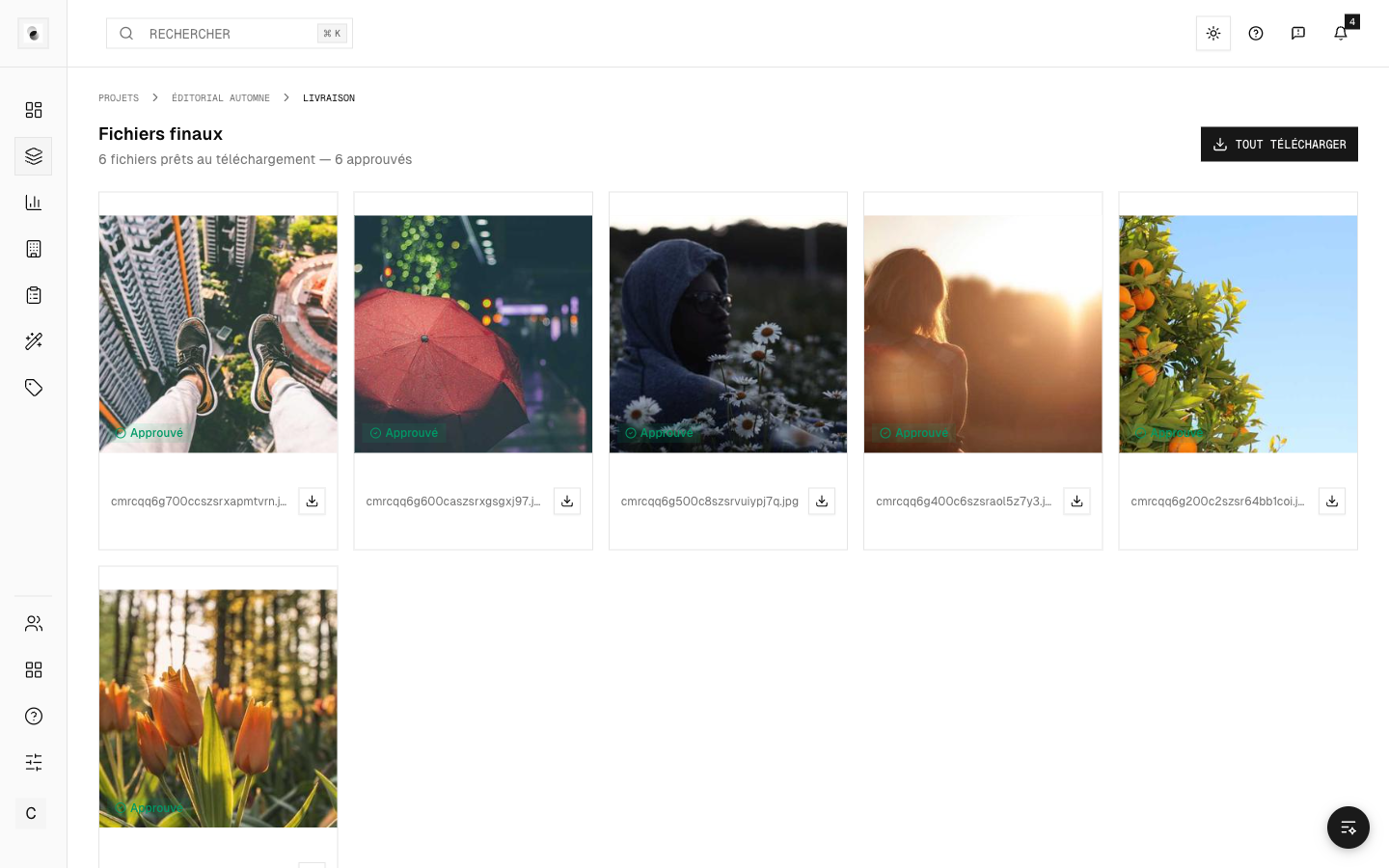 The delivery page
Two ways to download
- Download approved photos — gets only the validated images.
- Download everything — gets all of the project's deliverables at once.
Depending on the volume, the download may be prepared for a few moments before it's ready: a message lets you know, and you're notified when the file is available.
Download history
A history lists the downloads already made (what, when). Handy for checking that a member of your team has indeed picked up the files.
A download that's blocked?
The studio may make the download conditional on payment. If the button isn't available, check the state of the project's invoice (see Invoices and payment) or get in touch with the studio.