Manage retouchers
Administer your network of retouchers and their assignments.
The Retouchers page brings together the retouching providers you work with. This is where you build your network, before assigning them to projects.
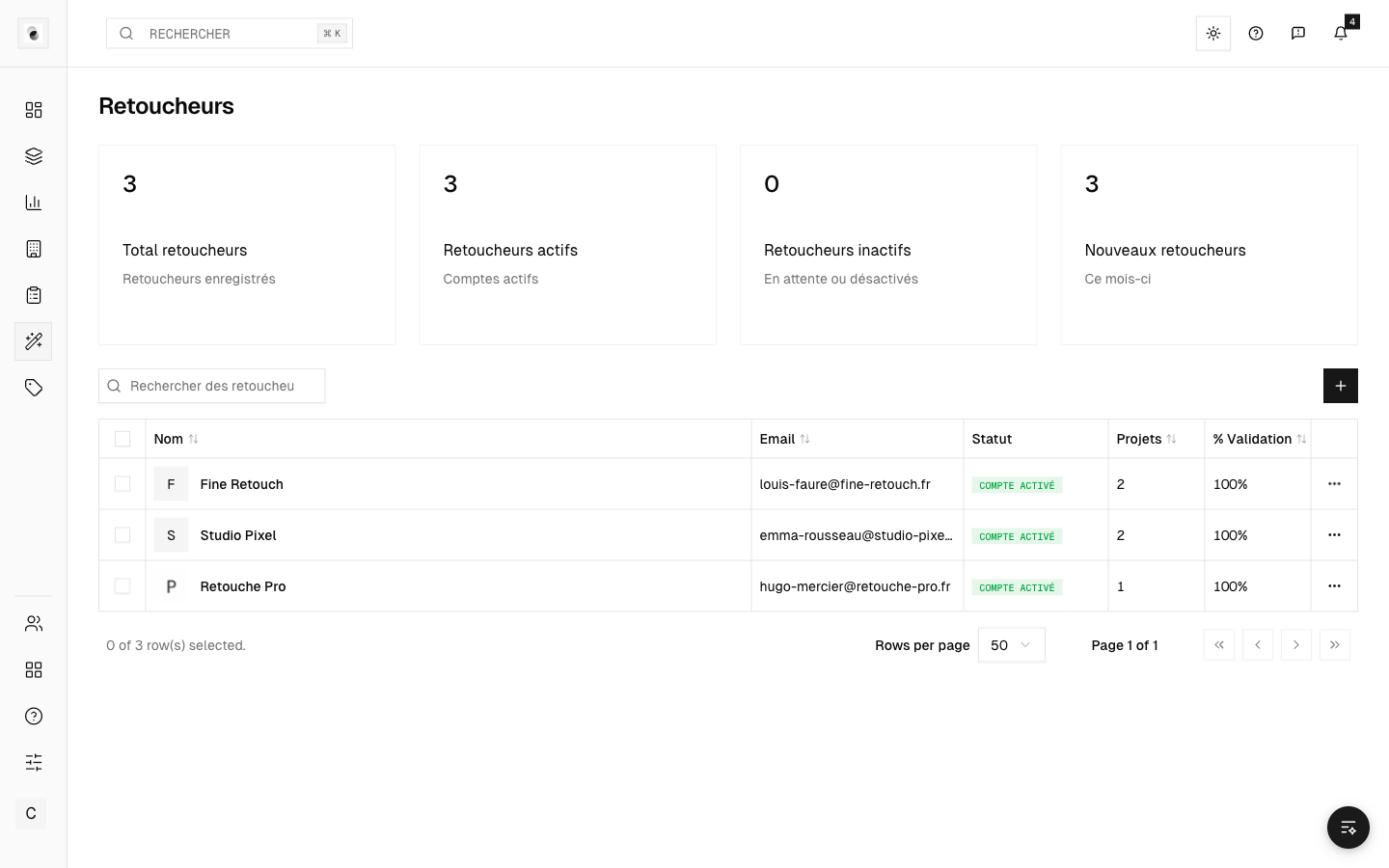 The retoucher list
Add a retoucher
- Click Create.
- Fill in their information. As with clients, a company search can prefill the data.
A retoucher's record
Open a record to view the retoucher's details, their assignments, and an overview of their activity. Editing is done field by field.
Assign to a project
Assigning a retoucher to a project is done from the project itself (see Assign retouchers and guidelines). The Retouchers page, meanwhile, is used to manage the directory and compare providers.
Rates per retoucher
From the Pricing page (Retouchers tab), you can compare the costs of several retouchers side by side and choose the provider best suited to a project (see The pricing table (Pricing)).
Confidentiality
Retouchers' identities and their rates are internal to the studio: they are never visible to clients.