Guidelines (retouching instructions)
Create and organize reusable retouching instructions.
Guidelines are your retouching instructions: they describe the expected result, then attach to projects. Well thought out, they avoid back-and-forth with retouchers.
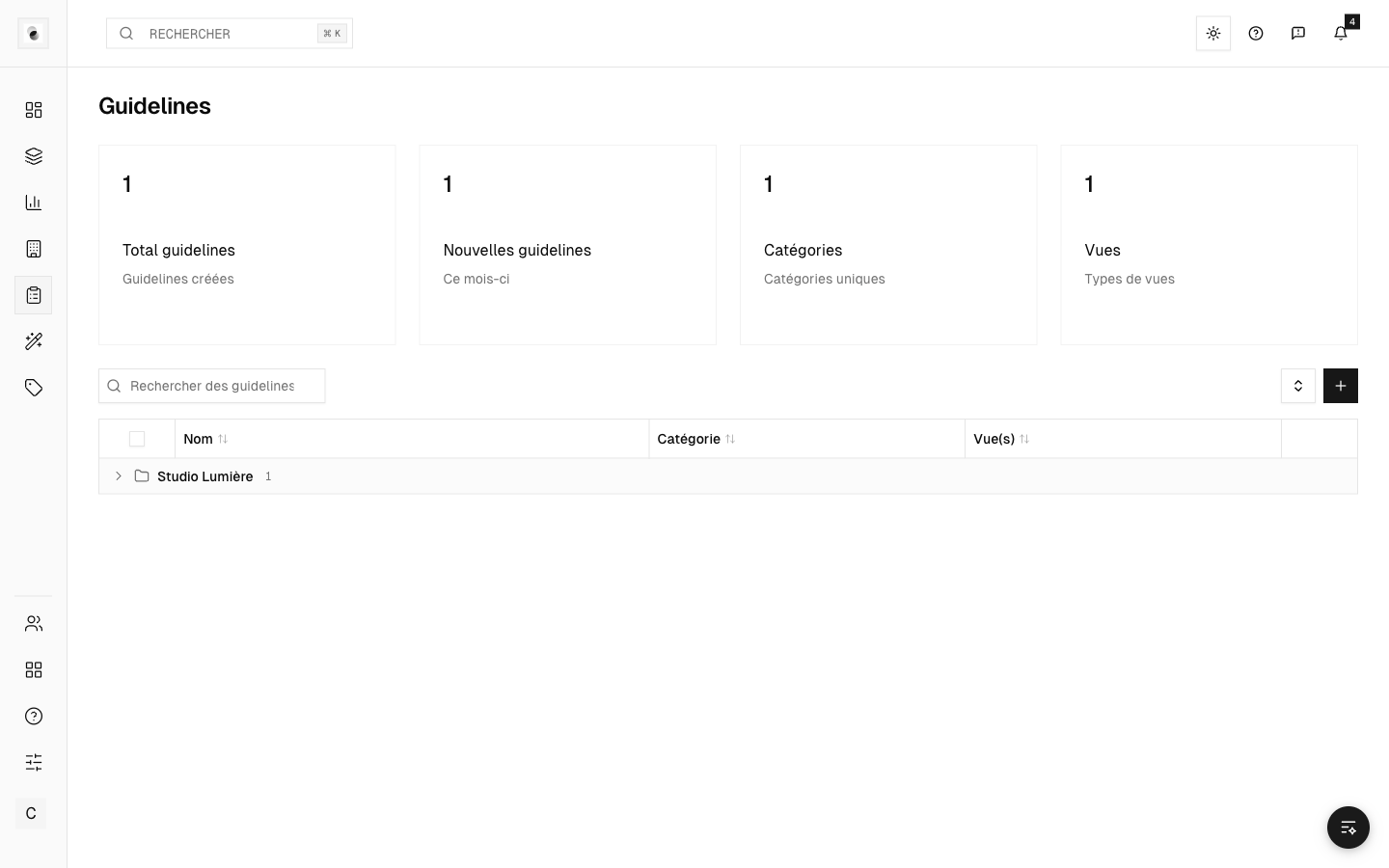 The guidelines page
Create a guideline
From the Guidelines page, click Create and fill in:
- a retouching category (cutout, color correction, ghost mannequin…);
- the written specifications (background, format, constraints);
- reference images that illustrate the desired result.
Reference images are easily added, replaced, or removed, with a preview on hover.
Organization by client
Guidelines can be grouped by client (via the Organization field, at creation), to quickly find the instructions specific to each brand.
Attach to a project
Once created, guidelines are attached to a project from its Settings tab (see Assign retouchers and guidelines). The retoucher then consults them to work.
Confidentiality
Guidelines are internal: clients don't see them. They serve the studio and the retouchers.