Your account settings
Profile, appearance, password, storage, billing and more.
The Settings page (left menu, at the bottom) gathers the configuration of your account and, for studios, of your organization. It's organized into sections.
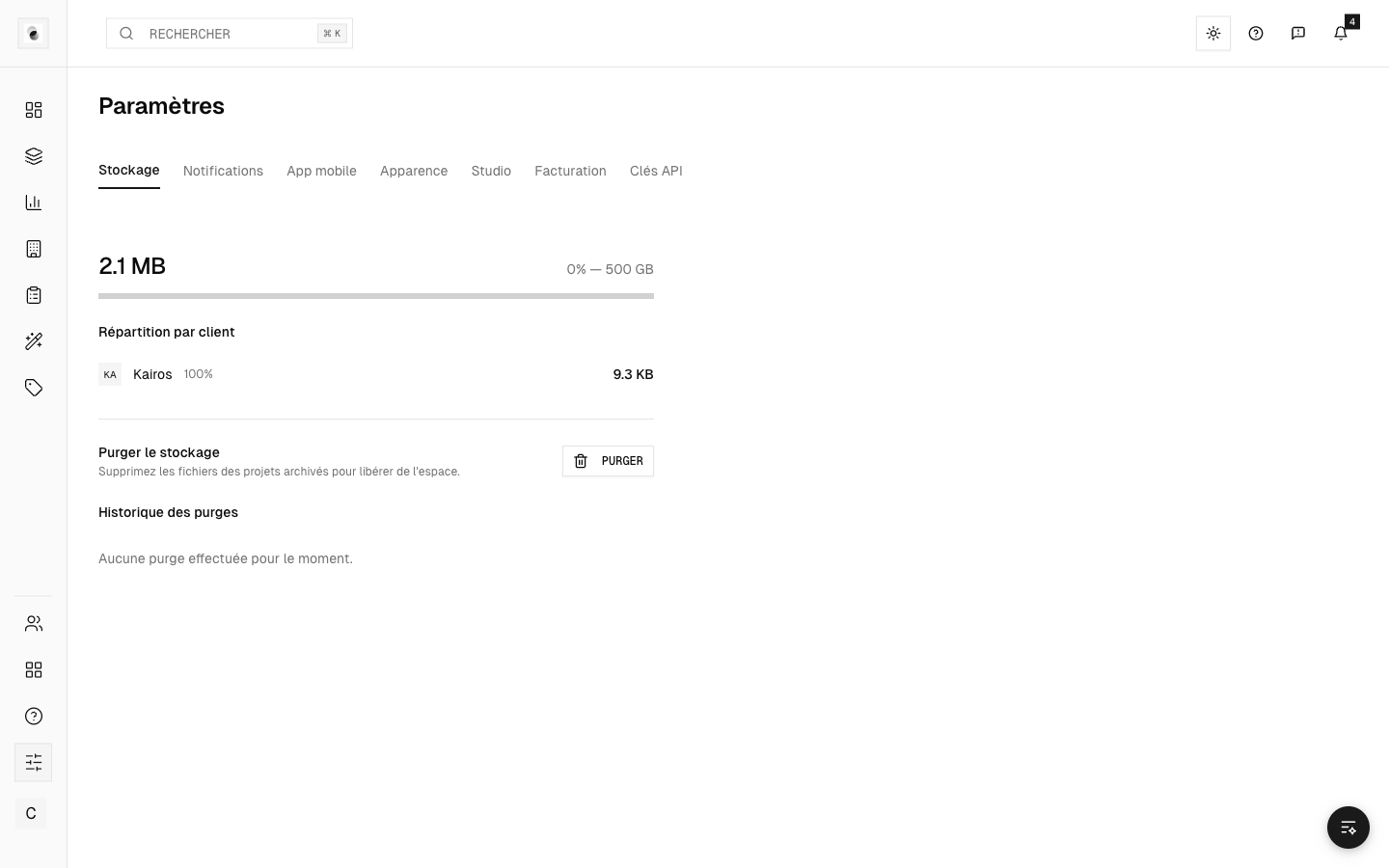 The settings page
The main sections
- Profile — your name, your email, and your avatar.
- Appearance — light / dark theme and accent color.
- Password — change your password.
- Notifications — choose your email alerts (see Notifications).
- Storage — track the space used and purge history (studios).
- Studio billing — information used on your invoices (studios).
- API keys — for technical integrations (studios).
- Mobile app — information to install the mobile app.
- Permissions — fine-grained management of rights per role (administrators).
Change a piece of information
Editing is done directly in the section, often field by field: you click a value, you edit it, it's saved. No global "edit mode" to turn on.
Language
The interface language (French, English, Spanish) is also set here, if you want to set it manually.